How to Bid on HiBid: A Beginner's Guide to Online Auctions
Bid on our auctions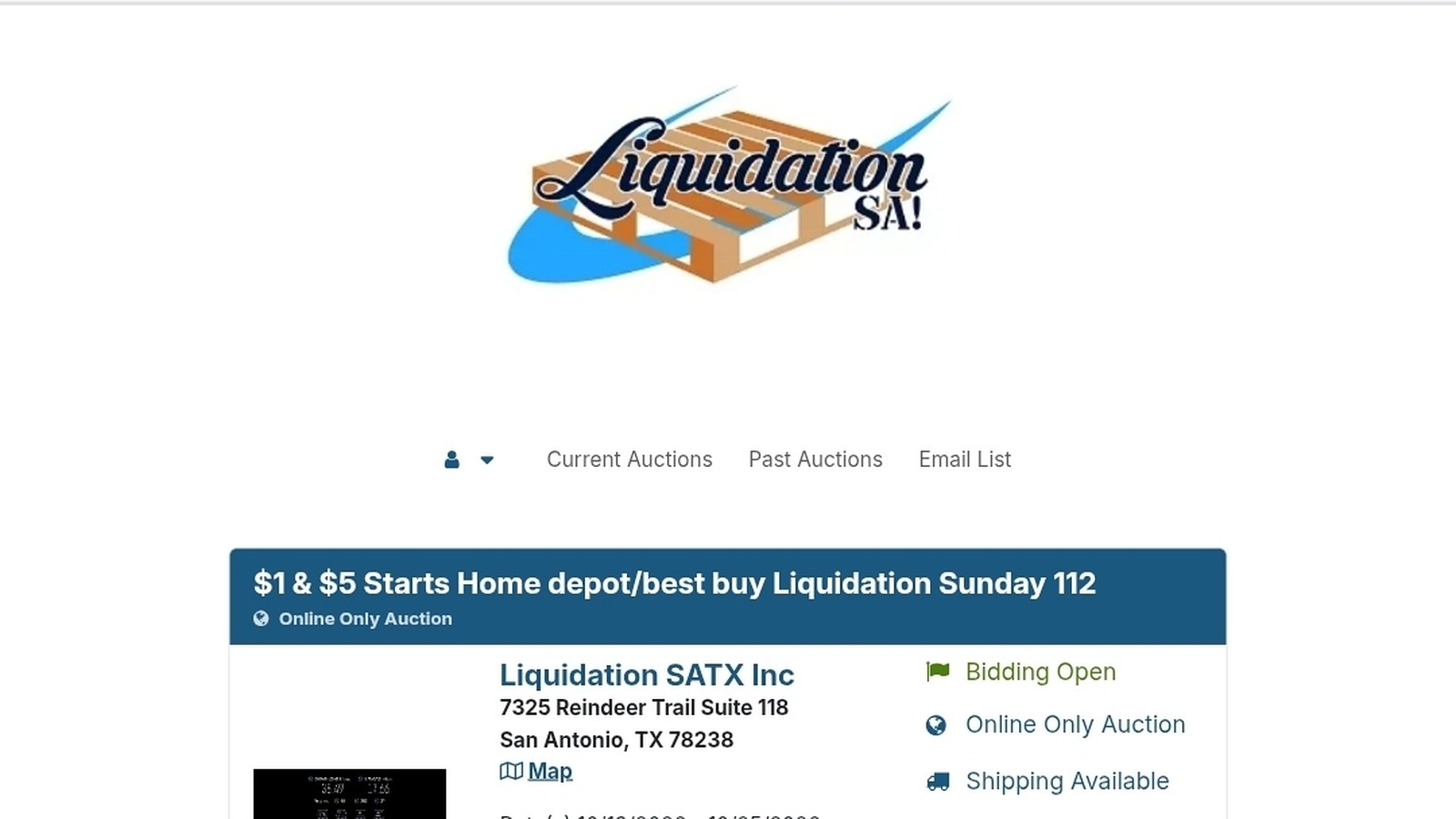
Online auctions are one of the easiest ways to score deals on tools, home goods, electronics, and collectibles without leaving your couch. If you are in San Antonio and you have heard about Liquidation SA's weekly auctions, you have probably also heard the name HiBid. This guide walks you through how to bid on HiBid from scratch, so you can place your first bid with confidence.
What Is HiBid?
HiBid is an online auction platform used by auction companies across the country. Each company runs its own auctions on the platform, with its own lots, rules, and pickup details. Liquidation SA's auctions live at liquidationsatx.hibid.com, where we post new liquidation and returns auctions every week.
Think of HiBid as the storefront and the bidding engine. Liquidation SA is the seller. That distinction matters because each auction's specific rules, like end times and pickup windows, come from us, not from HiBid.
Step 1: Create Your HiBid Account
Before you can bid, you need a free HiBid account.
- Go to liquidationsatx.hibid.com.
- Click the option to register or sign up.
- Enter your name, email, phone number, and address, and create a password.
- Verify your email if prompted.
Use accurate contact information. If you win, your invoice and any updates about your purchase are tied to that account.
Step 2: Find the Liquidation SA Auction
Once you are logged in, you will see our current auction (or auctions) listed on our HiBid page. Click into the auction to see all the lots. You may need to register for that specific auction and agree to its terms before you can bid. That is normal and only takes a moment.
Browse by scrolling, or use the search and category filters to narrow things down. If you are hunting for something specific, like a cordless drill or a particular collectible, search is your best friend.
Step 3: Read the Lot Before You Bid
The single most important habit for online auctions is reading everything before you bid.
Photos
Zoom in. Look for signs of use, missing pieces, damaged packaging, or anything that looks different from the description. Photos are your best way to inspect an item when you are not standing in front of it.
Description and Condition Notes
Liquidation and returns merchandise varies. Some items are new in the box, some are open box, some are customer returns that may be used, missing parts, or not working. Read the description for words like "untested," "as-is," or "missing parts." If it does not say an item works, do not assume it does.
Auction Terms
Every auction has terms covering things like fees, taxes, payment, pickup, and shipping. Read them before you place your first bid. They tell you the true cost of winning and what you are agreeing to.
Step 4: Place Your Bid
HiBid gives you two main ways to bid.
Bidding Manually
Enter the next bid amount and confirm. If someone outbids you, you can bid again. Manual bidding works fine if you plan to watch the auction closely, but it is easy to get pulled into a back-and-forth that pushes the price past what you meant to pay.
Setting a Max Bid
A max bid tells HiBid the most you are willing to pay. The system then bids on your behalf, only as much as needed to keep you in the lead, up to your max. If nobody else bids that high, you may win for less than your max.
For beginners, setting a max bid is usually the smarter move. Decide what the lot is worth to you, factoring in fees, taxes, and the time and gas to pick it up, and enter that as your max. Then let it ride.
Step 5: Know When the Auction Really Ends
Here is the rule that trips up new bidders at Liquidation SA:
Our Sunday auctions end at 3 PM Central, even if HiBid shows a later time.
Go by 3 PM Central, period. If you are in a different time zone, convert it. And if you like to bid at the last minute, give yourself a buffer. Waiting until the final seconds is a gamble, especially if your phone or internet connection hiccups.
Step 6: After You Win
Congratulations, you won a lot. Now comes the part that actually matters most:
- Check your invoice. HiBid will show what you won and what you owe.
- Pay promptly. Unpaid invoices are cancelled 3 days after the auction ends and the items are relisted.
- Pick up on time. Pickup is at our San Antonio warehouse, 7325 Reindeer Trail Ste 118, San Antonio, TX 78238, Monday through Wednesday, 2 PM to 6 PM. Items not picked up within 3 days after the auction ends are considered forfeited and abandoned, with no refund, even if already paid.
- Ask about shipping if needed. Shipping is available for some items through shipping-label invoices.
For the full details, read our guide to pickup, payment, and auction rules.
Common Beginner Mistakes (and How to Avoid Them)
Bidding without reading the description. Returns can be hit or miss. Read first, bid second.
Forgetting the extra costs. Your winning bid is not always the total. Check the auction terms for fees and taxes.
Going by the wrong end time. Sunday auctions close at 3 PM Central. Do not rely on the time shown on screen.
Winning items you cannot pick up. If you cannot make it Monday through Wednesday from 2 to 6 PM, arrange for someone else to pick up, or focus on items that offer shipping.
Getting caught up in a bidding war. Set your max bid ahead of time and respect it. There will be another auction next week.
Bidding on too much at once. It is easy to win more than you expected. Keep a running total of what you are leading on so your invoice does not surprise you.
FAQ
Is it free to bid on HiBid? Creating a HiBid account is free. When you win, you pay your winning bid plus any fees and taxes listed in that auction's terms.
What is a max bid on HiBid? A max bid is the highest amount you are willing to pay. HiBid bids for you in increments, only as much as needed to keep you in the lead, up to that amount.
What time does the Liquidation SA auction end? Sunday auctions end at 3 PM Central, even if HiBid shows a later time.
Can I cancel a bid? Treat every bid as a commitment to buy. If you think you made a mistake, contact us right away at (210) 934-8919.
Start Bidding
You now know how to bid on HiBid, how to avoid the most common mistakes, and what happens after you win. The best way to get comfortable is to try it. Pick a lot or two in a category you know, set a max bid, and see how it goes.
Follow Us